July UI Improvements
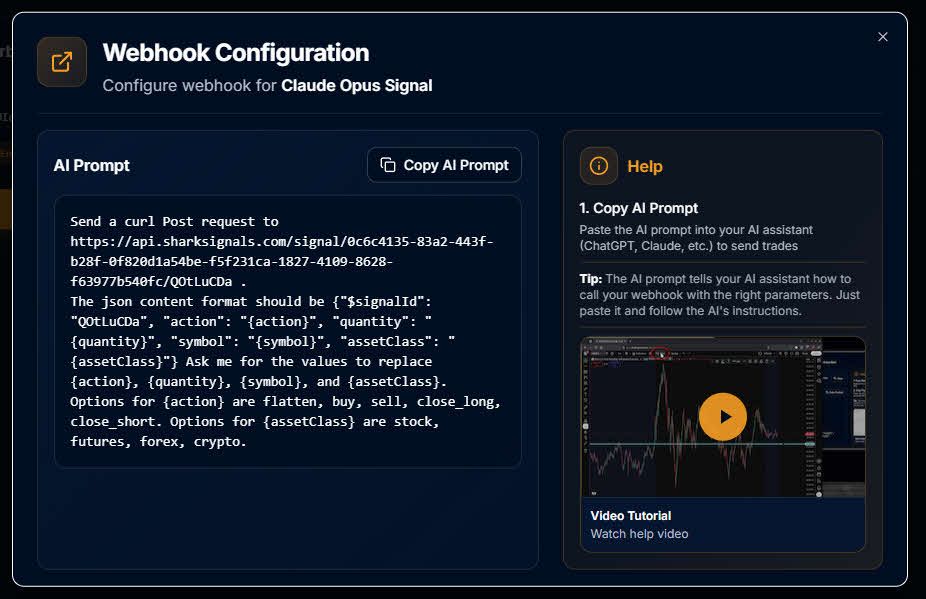
We've been busy shipping improvements across Trade Plans, Signals, and account management. We’ve been hard at work laying the infrastructure for Tradovate, TradingView strategy synchronization and custom signal payloads. Here's what's new.
Trade Plan & Signal Improvements
Never lose unsaved changes. The Keep / Discard / Save prompt now reliably appears any time you make edits to a Signal, Trade Plan, or Account node — so you'll never accidentally navigate away from unsaved work again.
Faster Manual Trades. The Flatten button in Manual Trade now enables as soon as you've selected a Symbol and Asset Class — no need to also enter a quantity, since Flatten doesn't require one.
Reversing and Scaling, now visible. Trade Plan nodes now clearly display when "Allow Reversing" and "Allow Scaling" are enabled, so you can see your configuration at a glance instead of digging into settings.
Clearer "required field" indicators. We've replaced the red asterisk with an explicit "Required" label next to fields that must be filled in, making it much easier for new users to spot what's missing when setting up a Signal.
Stronger call-to-action for incomplete setups. Trade Plan nodes that need attention — whether from a newly added Signal, an unconfigured Bracket, or a disabled state — now use bolder visual cues (color, outline, and warning text) so it's obvious when a plan isn't fully ready to trade.
Better Signal color selection. The Signal color picker no longer allows light background colors that made white text difficult to read. Preset light colors have also been swapped for darker, more legible options.
Account & Subscription
Smarter subscription prompts. The subscription management screen now correctly checks free trial eligibility — showing "Start Free Trial" and trial messaging for eligible users, and "Upgrade Now" (with no trial messaging) for everyone else.
New: AI Skill for Signal Firing
We've published a SharkSignals AI Skill that lets you fire off a Shark Signal directly from your own AI agent. It's available now for anyone building automated or agent-driven workflows on top of SharkSignals.
To learn more about the AI skill you can check out a video we made about it here:
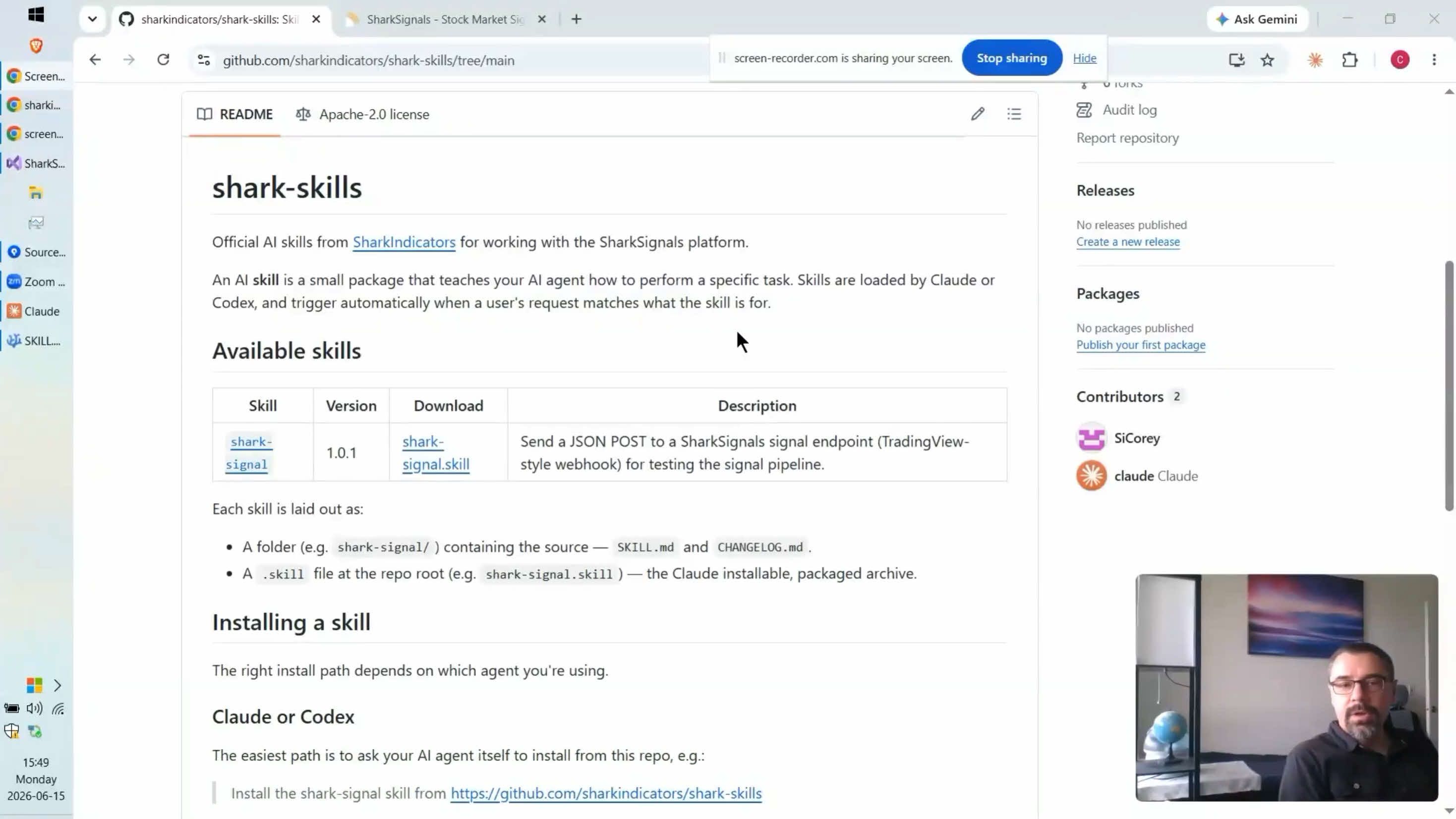
https://youtu.be/ecsaxsMqVYo?si=FpIZYvQ1DhvJgCHe
Bug Fixes
Fixed an issue where "Allow Scaling-in" was not being respected by BlackBird, causing it to scale in even when the setting was turned off.
Fixed a related issue where "Allow Scaling-in" was ignored for both ATM and BlackBird trades when account-level overrides were disabled.
Fixed a bug where the trade engine could continue using deleted brackets, causing trade plans with removed brackets to behave unexpectedly.
Fixed an issue where short selling did not execute correctly.
The NinjaTrader Desktop client now detects when its window is closed and disables trading — previously, trading could continue silently in the background with no visible client window.
Improved detection and handling for NinjaTrader Sim account position mismatches, particularly after flattening a Sim account while disconnected from a data feed.
As always, thank you for trading with SharkSignals. If you run into anything unexpected with these updates, reach out to support and we'll take a look.